The product
Connect purchasing needs to informed decisions.
Review what is needed, organise supplier enquiries, and follow orders through approval. Use AI-assisted record lookups to find context along the way.
Make the next purchasing step easier to follow.
A request gives your team a place to review needs. Quotation enquiries support sourcing. Purchase-order approvals provide a review point before sending the order. Your team takes action at each stage.
Requisitions
Make resource needs easier to review and follow up
Give requests for tools, supplies, and services a shared starting point.
Capture what is needed, with item details and quantities, then submit requisitions for review. Keep the request and its current status in the system.
- Create requests with item details and quantities
- Submit requisitions for approval
- Review request status
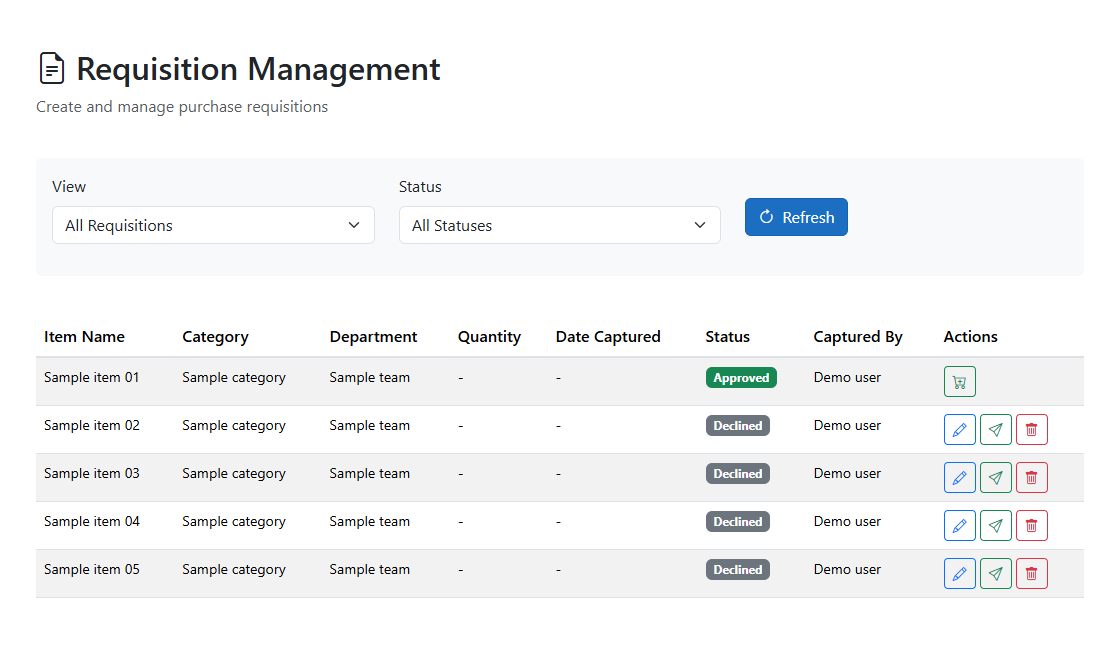 View full-size requisition management screenshot
Quotations
Give purchasing decisions a clearer sourcing process
Organise supplier enquiries before your team evaluates the offers.
Prepare quotation requests, add the relevant items and suppliers, and send requests by email. Give your team a shared place to manage the enquiry.
- Build quotations with selected items
- Add suppliers to each quotation
- Email quotation requests from the system
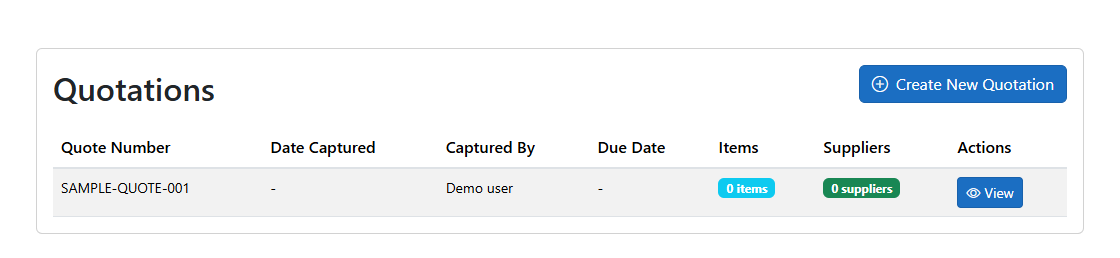 View full-size quotation management screenshot
Purchase orders
Review purchasing commitments before sending orders
See where a purchase order stands before the next step.
Create purchase orders, approve them, send them to suppliers, and review their status. Cancel an order when it is no longer needed.
- Create and review purchase orders
- Approve and send orders to suppliers
- Track order status and cancel orders
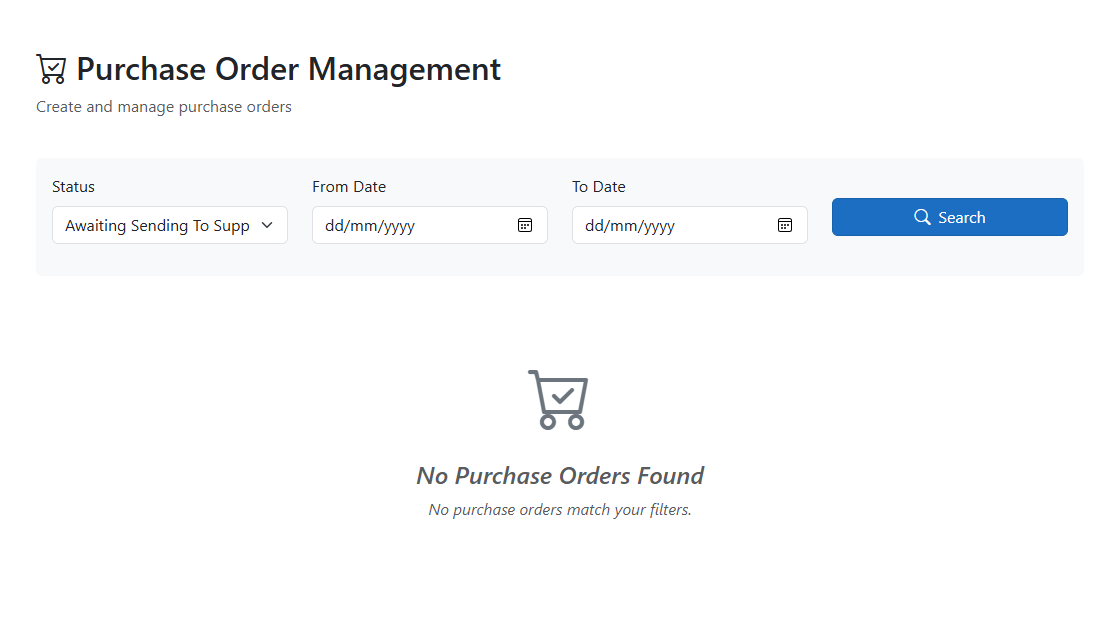 View full-size purchase-order management screenshot
Suppliers
Bring supplier context into the buying conversation
Keep the contacts and categories your purchasing team needs.
Maintain supplier profiles and category information, and use these records when preparing quotations and purchase orders.
- Maintain supplier contact profiles
- Find supplier records by category
- Use supplier records in purchasing work
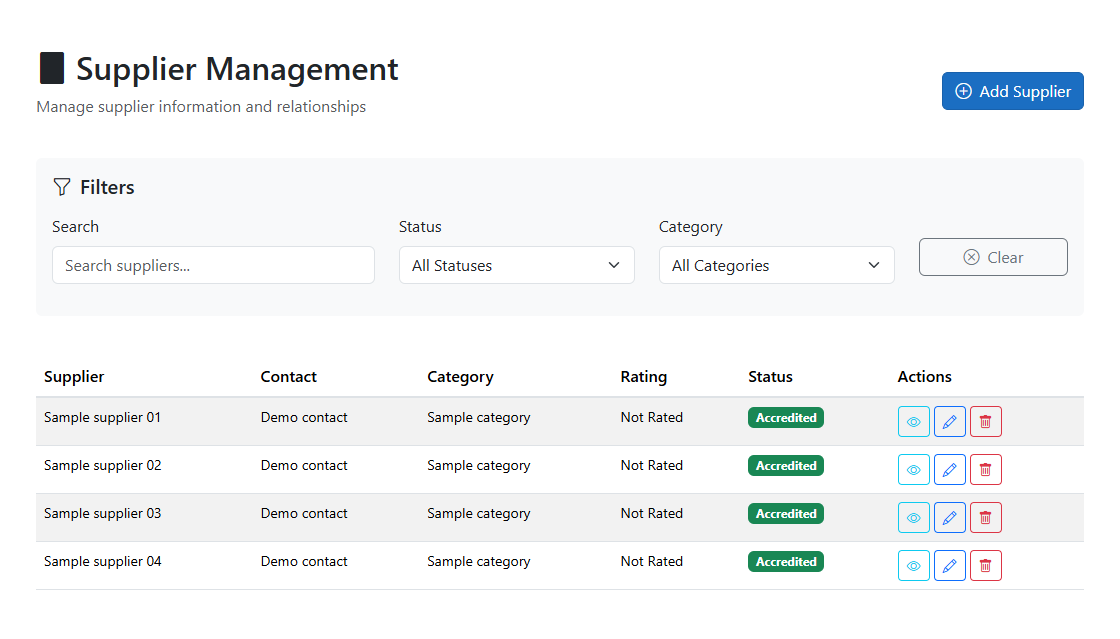 View full-size supplier records screenshot
AI assistance + RAG
Find purchasing context without starting with a menu search
Use everyday questions to retrieve purchasing records.
eTatua uses AI to interpret supported questions and retrieve records through application services. Get chat summaries of your requisitions, purchase orders, and quotations. This tool-based RAG approach connects the assistant to purchasing data; it is not a promise of document search, autonomous buying, or error-free answers.
- Ask "Show my requisitions" to review returned items and statuses
- Look up your purchase orders with references, suppliers, and statuses
- Retrieve your quotations with item and supplier counts
AI + RAG: a way to find purchasing context
Spend less effort looking for the purchasing picture.
When a colleague asks about a request or order, start with an everyday question. Supported AI lookups bring purchasing records into chat so your team can review the details and decide what needs attention.
RAG stands for retrieval-augmented generation. eTatua's tool-based approach uses AI to interpret supported questions, calls application services to retrieve records, and returns a structured summary in chat. It is an information lookup, not an autonomous purchasing decision.
Ask about your purchasing work
Look up your requisitions, purchase orders, and quotations using everyday language.
Bring records into the conversation
Supported lookups use application data rather than relying on the model's general knowledge.
Keep decisions with your team
Review the returned details. AI assistance does not replace your purchasing approvals or guarantee correctness.
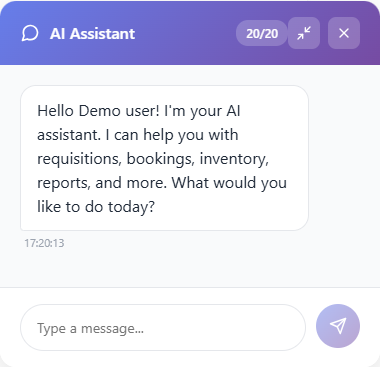 View full-size ai assistant chatbox screenshot
Evaluate the scope, not just the feature list.
This website describes the procurement workflows above. If you need budget enforcement, invoice matching, payments, or accounting integrations, raise those requirements in the conversation rather than assuming they are included.
A conversation, not a commitment
See what clearer purchasing could mean for your business.
Discuss the purchasing decisions, resource requests, and supplier follow-ups you want to improve. Explore the workflows and AI-assisted lookups that could support your team.